Variables in C Language. **Introduction** Variables are the fundamental building blocks of any programming language, including C. They serve as placeholders for storing data that a program manipulates, processes, and displays. Understanding how variables work in C is crucial for every programmer's journey. In this blog post, we'll take a comprehensive look at variables in C programming, covering their types, declaration, initialization, and scope. **Types of Variables in C** C supports several data types to cater to different kinds of data, such as integers, floating-point numbers, characters, and more. Here are some of the primary variable types in C: 1. int: Used for storing integer values. 2. float: Used for storing floating-point (decimal) values. 3. char : Used for storing single characters. 4. double : Used for storing double-precision floating-point values. 5. short and long : Modifiers used with int to create different sizes of integers. 6. unsigned : Used with...
Hello friends! Today in this post we will learn How to Enable Auto-Reply System in WhatsApp Business App? Let us start this post without delay.
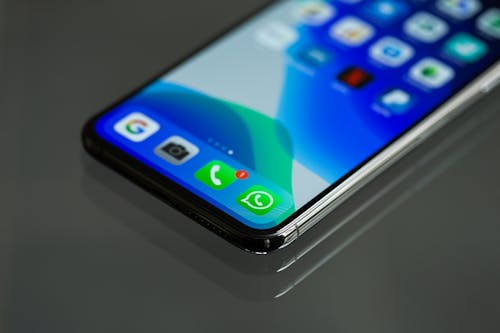
Friends, many of you have started doing business now, then this is a very good app for them which takes an important place for their business. So I would advise you that if you do business, then definitely install WhatsApp Business App - your mobile once.
What is Auto Reply System?
Friends, if you were busy with your work and get orders from people, you can enable an auto-reply system in your WhatsApp business app. After enabling, your typed message will be sent automatically to whoever will message you. Let us know how to enable this option.
How to enable an auto-reply system?
First of all, you have to open your WhatsApp Business app.
After that, you have to click on Business Settings.
After that, you have to click on this option Send away message.
After that, the message you want to send to the customer is to be typed in the given place.
After that, you can put your message on salute. You can suck what you like.
After that you have to send the message to any person, select them or click on the Everyone button, this will reach the people who are in your contact.
Friends, how did you like this information, do tell us by commenting and if you have any - with the money given in this post, then definitely ask us by commenting, we will give you the answer in 24 hours. I hope you liked this post and we will keep bringing similar posts for you till then keep smiling.
Comments
Post a Comment